
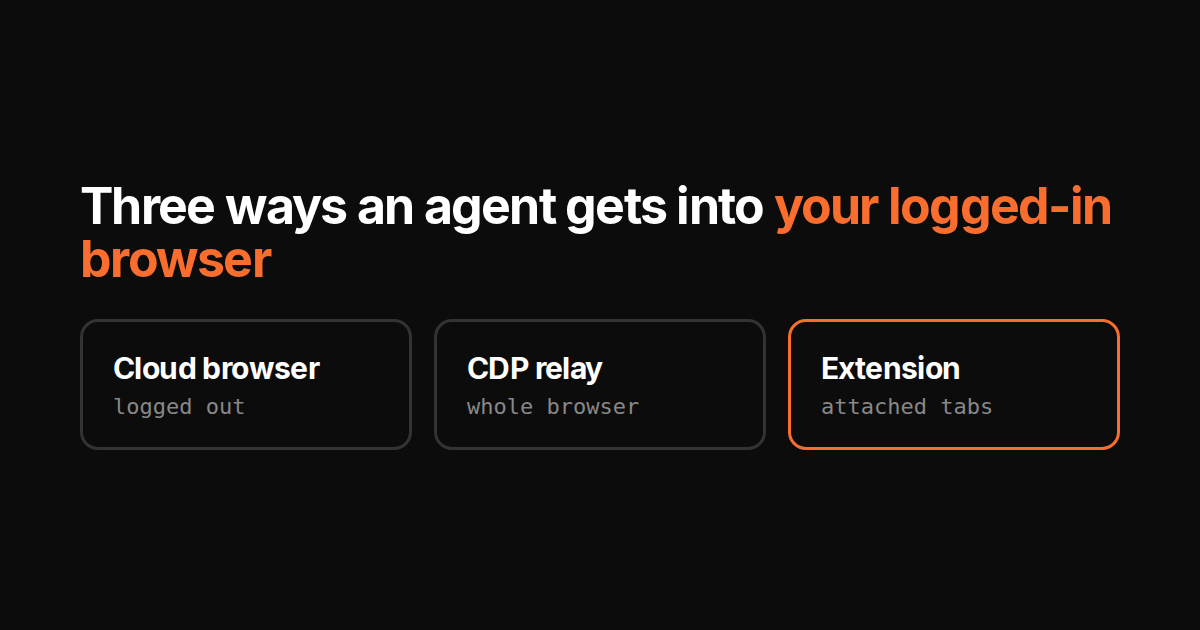
Most of the work a business does in a browser has no API. The ad manager, the CMS admin, the supplier portal, the bank. If an agent is going to do that work, it needs a browser that is logged in as you. There are three ways to get one. They are not equivalent.
1. Cloud browser
A headless Chrome on someone else’s server. Browserbase, Firecrawl, Manus and most “computer use” demos run this way.
Reach: anything public. For your accounts it starts logged out, so you either paste credentials into a vendor’s machine, sync cookies to it, or run a login flow with 2FA each time. Some vendors persist the session after the first login.
Leaks: your session lives on their infrastructure. Whatever their retention policy says, that is where the cookie is.
Stops at: anything that fingerprints a datacenter IP, anything that wants your device (passkeys, hardware 2FA), and any site whose terms forbid automation from an unknown machine.
Good for scraping, research and parallel jobs with no personal login. For “reply to the three support tickets in my Zendesk” it works only once your Zendesk session lives on their server.
2. CDP relay to your local Chrome
Chrome DevTools Protocol is the wire Chrome exposes for debugging. Start it with --remote-debugging-port, forward that socket to a server, and a remote agent can drive your real Chrome with all your sessions. Chrome’s own docs now describe an auto-connect flow for exactly this.
Reach: everything you can reach. Same cookies, same extensions, same device for passkeys.
Leaks: the relay sees every page, every DOM, every keystroke it sends. Whoever holds the relay endpoint holds your browser. The token in that URL is a full-session credential and has to be treated like one.
Stops at: your laptop being closed. Raw CDP on the debugging port is also all-or-nothing: the protocol has no “this tab only” or “read but do not type”, so any scoping has to be built on top of it.
Powerful, and the right answer when the agent already runs on your machine. Risky when the agent runs on a vendor’s machine and the relay goes across the internet.
3. Browser extension
Code that runs inside your Chrome with the permissions the extension manifest declares. The agent sends intents; the extension executes them locally.
Reach: whatever the extension’s code lets through, on the tabs it is allowed to touch. It runs as you, on your device, so logins and device-bound 2FA are available if the extension exposes them.
Leaks: page content goes wherever the extension sends it. A well-built one sends the accessibility tree or a screenshot of the working tab, not your whole browser. The scope is inspectable: it is in the manifest and in the Chrome permissions dialog.
Stops at: the same place a CDP relay does, your laptop being open. Chrome also limits what an extension can do on some browser-internal pages.
Narrower than raw CDP if it is built that way. That is the feature, and it is the extension author’s choice, not the transport’s.
How TODO for AI does it
The Chrome extension is a hybrid of 2 and 3, and it is worth being precise about which parts are which.
- CDP-shaped commands, through the extension. The agent speaks a CDP subset over a WebSocket to our API, and the extension executes it. By default it does so with ordinary extension scripting, no debugger banner. You can switch it to Chrome’s
debuggerpermission for full fidelity. Either way the wire looks like a relay; the difference is what the extension lets through. - Attached tabs only. You click “attach” on a tab in the extension popup. The agent can control those tabs and any new tab it opens itself. A command aimed at an unattached tab is refused unless you flip the explicit allow-unattached setting. Chrome internal pages and the Web Store cannot be attached at all.
- No cookie API. The extension does not request the
cookiespermission. The agent inherits your session inside an attached tab because the browser attaches cookies to requests as usual. It can still run page JavaScript there, so anything a script on that page could read, the agent could read; that is what the attach list and the permission gate are for. - Page content crosses the wire. Snapshots, DOM and screenshots of attached tabs go to the API so the agent can see them. That is the leak surface, and it is bounded by the attach list.
- Agent-level permissions and a stop button. Browser access is a capability you can allow, ask-first or block per agent. Any run can be halted mid-task; the tab stays where it was.
- Cloud browser for the rest. Research that needs no login runs in a per-account cloud browser, so your Chrome is free and your laptop can be closed.
What it does not do: run while Chrome is closed. There is no per-site block list yet; the attach list, and the allow-unattached switch if you flip it, is the scope control.
Which one, in one table
The third column is our extension, not extensions in general; another extension can make different choices.
| Cloud browser | CDP relay | TODO for AI extension | |
|---|---|---|---|
| Uses your existing logins | Only after you hand them over | Yes | Yes |
| Passkeys, hardware 2FA | No | Yes, you are at the device | Yes, you are at the device |
| Session leaves your device | Yes | Yes, via the relay | Page content does; cookies have no API |
| Scope control | n/a | All or nothing | Attached tabs, per agent |
| Runs while laptop closed | Yes | No | No |
| Datacenter IP blocks | Often | No | No |
If the task needs you, use the extension. If it needs nobody, use the cloud browser. A relay is for when the agent is already on your machine and you trust every hop. What this means for a to-do list that actually closes items is in the to-do post.