
The Reddit threads asking “anyone using Claude Code for non-coding tasks?” are long because the answer is yes, with caveats nobody puts in the title. We use Claude Code every day. This is a straight account of what it does well outside the repo, where it stops, and what we run next to it.
Disclosure: TODO for AI competes with Claude Code for part of the same budget. Where it beats us is stated. Our own case is confined to the last section.
What works
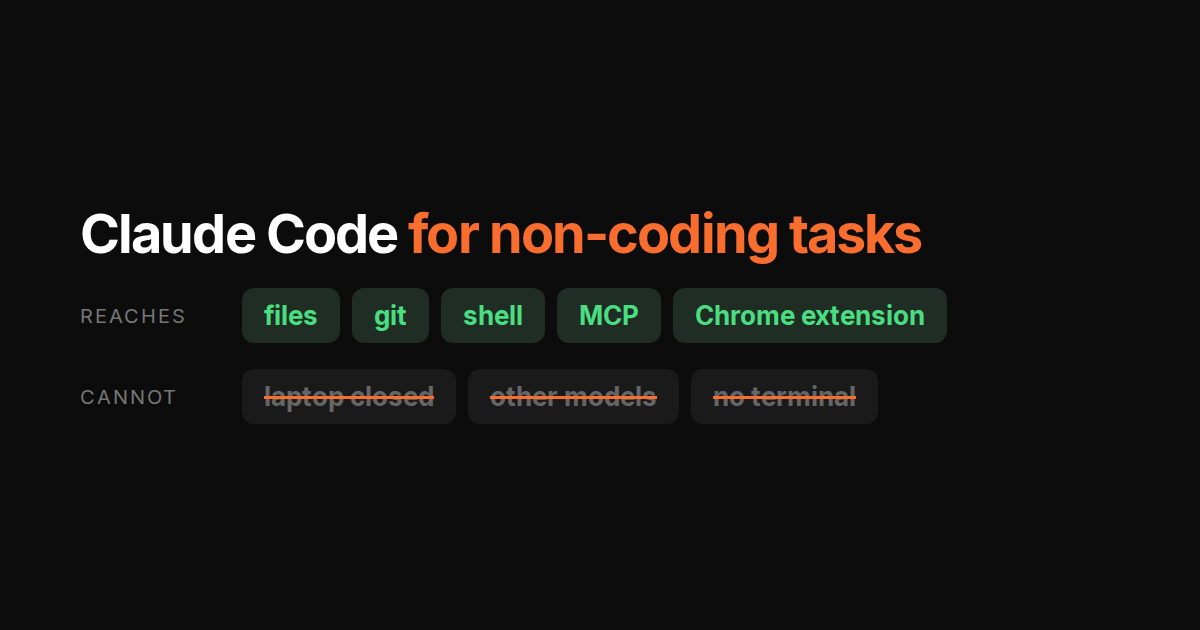
Claude Code is a terminal agent with a shell, a file system and MCP. Anything that is a file, a command or an MCP server is fair game.
Email triage and drafts. With the Gmail MCP server wired, it reads the inbox, labels, drafts replies. For a founder inbox this is the single most useful non-code job it does.
Calendar prep. Google Calendar plus Slack plus Notion MCP: a “prep me for tomorrow” command that gathers context per meeting while you do something else.
Reports and documents. Anything that starts from files or an API. Weekly numbers from a CSV, a changelog from git log, a summary from meeting transcripts. This is its home turf and it is very good here.
Data chores. Renaming, reformatting, merging spreadsheets, deduping a contact list. Faster than writing the script yourself, because it writes the script.
The common thread: the data is reachable from a terminal on the machine Claude Code is running on.
Where it breaks
Browser work is a second setup, and it is Claude-only. Anthropic ships a Chrome extension, so Claude Code can drive a logged-in tab for the CMS admin, the ad account or the supplier portal. It works. It is another install, it is tied to the same Claude plan window as your coding, and the session ends when the terminal does. Claude Cowork is where Anthropic points non-coders, and that is a different product.
Always-on. It runs in your terminal. Close the laptop, it stops. Scheduled and unattended work needs a machine that stays up, and you are providing it.
MCP tax. Every SaaS tool without a CLI is a server to install, authenticate and keep working. Gmail, Calendar, Slack, Notion: four setups before the “chief of staff” demo works. Fine once; painful across a team.
One vendor. Claude only. When Claude is the wrong model for a job (cheap bulk classification, a second opinion on its own output), there is no switch.
Terminal. The person on your team who would benefit most from email triage is often the one who will never open one.
What we run next to it
TODO for AI is built around the gaps above and not around the strengths: Claude Code is the better pure coding agent in the terminal, and we say so on the comparison page. The setup that works for us: Claude Code stays open for the repo. Everything that touches an inbox, a browser or a schedule goes on the TODO list, where it runs on a cloud VM or a paired machine while the laptop is closed, on whichever model fits, from the web or desktop app rather than a terminal. What the browser side can and cannot reach is in the extension post.
Short version
| Task | Claude Code | TODO for AI |
|---|---|---|
| Fix the bug, open the PR | Best in class | Yes, on your PC or its VM |
| Email triage via MCP | Yes, after setup | Yes, via your browser or MCP |
| Post to the CMS, run ads, update the CRM | Yes, with its Chrome extension | Yes, with its Chrome extension |
| Runs while your laptop is closed | Only on a server you host | Yes, cloud VM |
| Switch models per task | No | Yes |
| Usable without a terminal | No | Yes |
If your non-coding tasks are files, APIs and the occasional browser job while you sit there, Claude Code already does them. If they should run while you are away, on whichever model fits, without a terminal, that is what the second column is for.