
There are two kinds of product that both claim to be where a team and AI work together, and each is missing half.
Work tools (Linear, Notion, ClickUp, Asana) have the shared list. Everyone sees the same items, and lately you can assign some of them to an AI. But the AI works inside the workspace, its connectors and, for Linear, its own sandbox. It can’t log into your CRM in your browser, run a command on your server, or open the file on your PC.
AI agents (Claude Cowork, Copilot Cowork, ChatGPT, Manus, Claude Code) do the work, often very well. But each one is a private session by default. You ask, it works, and the result lives in your chat history. Some let you share a project or a single task, but there is no board where your colleague sees it, picks it up or builds on it.
A shared AI to-do list needs both halves: one list the team shares, where an item can be done by a person or by an agent, in the team’s real tools.
Disclosure: we build TODO for AI, and we wrote the rubric and filled in the table below. The rubric is published and applied the same way to our own row. Check it against the vendors’ own docs. If you find a cell that’s wrong, tell us and we’ll fix it.
Six columns
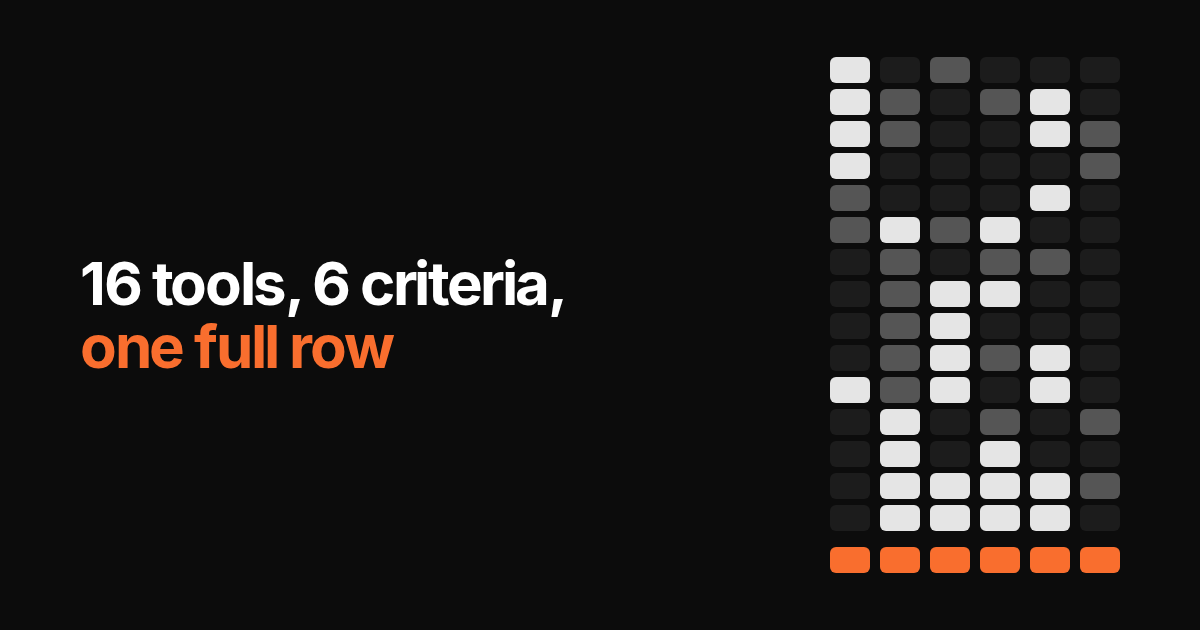
We checked 16 tools against six criteria, last verified on 30 September 2026:
| Column | ”Yes” means |
|---|---|
| Shared board | A person and an agent can hold the same item, and the team can see its state |
| Open-ended work | You describe a task in a sentence, with no flow or skill built first |
| Shell you own | A command line on a machine you control, not the vendor’s sandbox |
| Your browser | It can act in your own logged-in browser session |
| Model choice | You choose which vendor’s model does the task |
| Proposes the work | It suggests new items from what it learned about your business, and learns from what you dismiss |
The table
| Shared board | Open-ended | Your shell | Your browser | Model choice | Proposes | |
|---|---|---|---|---|---|---|
| Linear | Yes, issues | Workspace, MCP and repos | Linear’s sandbox | Sandbox browser, for testing | Claude, GPT, GLM, per workspace | Triage suggestions, Loops |
| Notion | Yes, agents shareable | Workspace and MCP apps | No | Its own browsing | Claude, GPT, Gemini, Grok | Runs on your triggers |
| ClickUp | Yes, assignable | Workspace and skills | No | No | Max, Claude, GPT, Gemini | Ambient, on your rules |
| Asana | Yes, AI teammates | Workspace and connected apps | No | No | AI Studio rules only | Suggests a teammate per project |
| Lindy | Per user, shared pool | No, build the flow first | No | No | Per node | Runs on your triggers |
| Claude Cowork | Projects shareable on Team | Yes | Their sandbox, your folders | Claude in Chrome | Anthropic only | No |
| Copilot Cowork | No | Microsoft 365 apps | No, Microsoft cloud | Local Edge, preview | Picker in Frontier preview | No |
| Claude Code | No, private session | Repo first, MCP beyond | Yes | Claude in Chrome | Anthropic only | No |
| Codex | No, private task list | Repo shaped | Yes | No | OpenAI only | No |
| Cursor | No, repo config | Repo shaped | Yes | To check your app | Multi-vendor, metered | No |
| GitHub Copilot | Yes, GitHub issues | Repo shaped | Yes | No | OpenAI, Anthropic, Google, xAI | No |
| ChatGPT | No, private chats | Yes | Their sandbox | Its own, plus connectors | OpenAI only | Suggests from memory |
| Manus | No, tasks shared one by one | Yes | Their cloud | Browser Operator extension | Vendor picks | No |
| OpenClaw | No, chat threads | Yes | The box you host | CDP, self-configured | Any, BYOK | Heartbeat alerts |
| Hermes Agent | No, chat threads | Yes | The box you host | CDP, self-configured | Any, BYOK | Cron you write |
| TODO for AI | Yes, one board | Yes | Your PC + cloud VM | Your Chrome profile | Every provider, per agent | From your site, learns from dismissals |
The pattern: work tools fill the first column and stop at their own perimeter. Linear goes furthest, with a sandbox that runs code and a model picker, but the sandbox is Linear’s, not your machine. Agents fill the middle columns, each in a private session. GitHub Copilot comes closest to both, with issues as the board and a real shell, but the work has to be shaped like a repo. Self-hosted agents (OpenClaw, Hermes) fill four columns if you run the server yourself, with a chat thread in place of a board. TODO for AI is the only row with all six.
The price follows the same split. On a work tool the seat buys the workspace, and the AI is billed again on top: ClickUp adds an $18 to $68 AI seat, Notion and Linear meter credits, Asana includes 5 AI requests per person a month, capped at 50 per account, and charges per request after that. On TODO for AI the seat price is the AI budget. A $30 seat puts $30 into the team’s shared pool, we add $50 per team, and every model, the cloud VM and the cloud browser are included.
What it’s like on one board
A small team’s Monday:
- The owner adds “chase the three unpaid invoices from August” and gives it to the finance agent. It opens the accounting tool in her logged-in Chrome, drafts the reminders, and waits, because sending email is set to ask first. She approves, and it sends.
- A colleague adds “update the price list on the website” and does it himself, because it needs a judgment call. It sits on the same board, next to the agent’s cards.
- The marketing agent has written this week’s two posts in the company’s voice. The colleague who owns social reads them on the card, fixes one line, and it posts.
- The AI has also added a card of its own: a suggestion based on the website. Someone accepts it or dismisses it, and what gets dismissed shapes the next round.
At the end of the day, anyone can open the board and see what got done, by whom or by which agent, and what it produced.
How it’s built
- The board. Shared by the team, filterable by person, with contributors and the agent shown on each card. Members also get a private card for their own work. Team features.
- The agents. As many as you have kinds of work, each with its own model, instructions, tools and permissions (allow, ask first, block per tool).
- Where they work. Your real Chrome via an extension. Your PCs and servers via a ~250 KB bridge binary, installed with one command. A cloud VM with its own browser for work that continues after you close the laptop.
- Models and price. Claude, GPT, Gemini and Grok on one plan. Team seats are $30 or $120, and the whole seat price goes into one shared pool, plus $50 from us. No AI seat, credit pack or request meter on top.
Where it falls short
- Setup per person. Each person who wants the agent in their browser installs the extension. Anyone who wants it on their machine installs the bridge.
- Browser work needs Chrome open. Items that go through someone’s browser wait until that browser is running.
- Permissions are per tool, not per action. It can ask before any email is sent. It cannot tell a €50 refund from a €5,000 one.
- Proposals are early. The “proposes the work” column is the newest part. It needs a source to read (your site, an inbox, a repo), and the suggestions are still getting better.
- Not a project manager. No Gantt charts, sprints or resource planning. If you need those, keep Linear or Asana and use this for the work that gets done by AI.
Who it’s for
A team of 2 to 20 with more work than people, whose work is spread across a browser full of tools, some files and maybe a server, and who wants to see what the AI did before it does more in the company’s name.
Try it: todofor.ai has a free team tier with 5 seats. The full table with sources is kept up to date.