
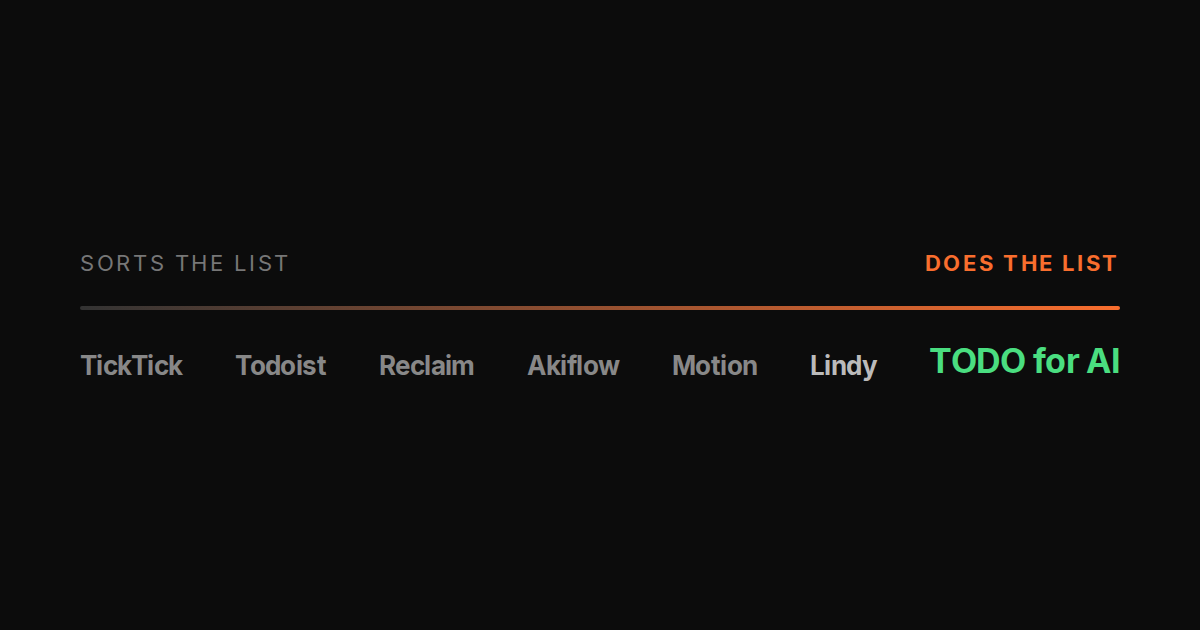
“AI to-do list” means two different products now, and every roundup mixes them up.
The first kind takes your list and makes it smarter: natural-language entry, priorities, time blocking, rescheduling when the day slips. Motion, Reclaim, Todoist, TickTick, Akiflow. The AI organises. You do.
The second kind takes an item off the list and does it. Replies to the email, fixes the test, publishes the post, chases the invoice. That kind needs your logins, a machine and permission to act, so there are far fewer of them.
This post covers both, says which is which, and gives prices as of 2026-09-21.
Disclosure: TODO for AI is ours and is the one in the second group. Its limits are stated in its own section.
The sorters
Motion, $19/mo
The strongest auto-scheduler. Give it tasks with deadlines and durations, it places them on your calendar and moves them when meetings land. Project views, team plans. The AI is scheduling, and it is good at it. Nothing on the list gets done by Motion.
Reclaim.ai, from $8/mo
Calendar-first. Habits, focus time, meeting rebalancing, smart 1:1 finding. Cheapest of the serious schedulers and integrates cleanly with Google and Outlook. Same deal: it protects time for the task; the task is still yours.
Todoist, free to $5/mo
The default list app for a decade, now with an AI assistant for entry, breakdown and rewording. Best cross-platform capture on the list, huge integration catalogue. The AI helps you write the item. It does not do the item.
TickTick, $3.99/mo
Todoist’s main rival. Habit tracking, Pomodoro, Eisenhower matrix, natural-language dates. Cheapest paid tier here. Same category as Todoist.
Akiflow, $19/mo
Aggregator: pulls tasks from Slack, Gmail, Notion, Asana and fifty other apps into one list with a command bar and time blocking. Best if your tasks are scattered across tools. Still a list you work through.
The one in between
Lindy, from $30/mo
Not a to-do app, but it does items: you build an “AI employee” from triggers and steps for email triage, CRM updates, meeting prep, and it runs those workflows. Credit priced, 3,000 credits at $30. It closes the tasks you designed in advance. For anything open-ended, or anything on your local machine, it is not the tool. Full comparison.
The doer
TODO for AI, free to start, $20 for every model
A to-do list where each item is picked up by an agent. The agent runs on your own PC via a small bridge, in your already-logged-in Chrome via an extension, or on a cloud VM per account, and reports back on the item with the result and the log. Any model on one plan: Claude, GPT, Gemini, Grok, Ollama. Per tool, you set allow, ask first or block.
The five-item test from the earlier post is the fair benchmark: reply to three support emails, fix a failing test and open a PR, write the changelog and post it, pull Stripe revenue into a sheet, reply to five people on X. Motion scores zero and schedules all five. Lindy closes the ones you built a flow for. TODO for AI closes them if the tools are connected.
Where it is weaker: it is not a scheduler, so if your problem is a calendar, buy Motion. Setup is not zero: extension, and the bridge if you want it in a repo. Browser items need Chrome running. The free tier is Sonnet and Haiku only. And it is a tool-level gate, not a policy engine: it can ask before running stripe, not before “a refund over $200”.
Side by side
| AI sorts the list | AI does the items | Runs in your accounts | From | |
|---|---|---|---|---|
| Motion | Yes, best scheduler | No | n/a | $19 |
| Reclaim | Yes, calendar first | No | n/a | $8 |
| Todoist | Entry and breakdown | No | n/a | Free |
| TickTick | Dates and matrix | No | n/a | $3.99 |
| Akiflow | Aggregates and blocks | No | n/a | $19 |
| Lindy | No | Prebuilt workflows | Via its integrations | $30 |
| TODO for AI | Basic | Yes | Your PC, your Chrome, a cloud VM | Free |
How to pick
Two questions.
Is the list wrong, or is it right and not getting done? If you never know what to do next, a sorter fixes that and Motion is the best of them. If the list is correct and still nothing moves, a sorter cannot help; you need a doer.
Is the work repeatable, or different every time? Repeatable and inbox-shaped: Lindy. Different every time, across code, browser, email and files: TODO for AI.
Most people who ask for an “AI to-do list” want the second kind and have only been shown the first. That is the whole reason this post exists.